Safari extension for iPhone, iPad and Mac
Open many links at once.
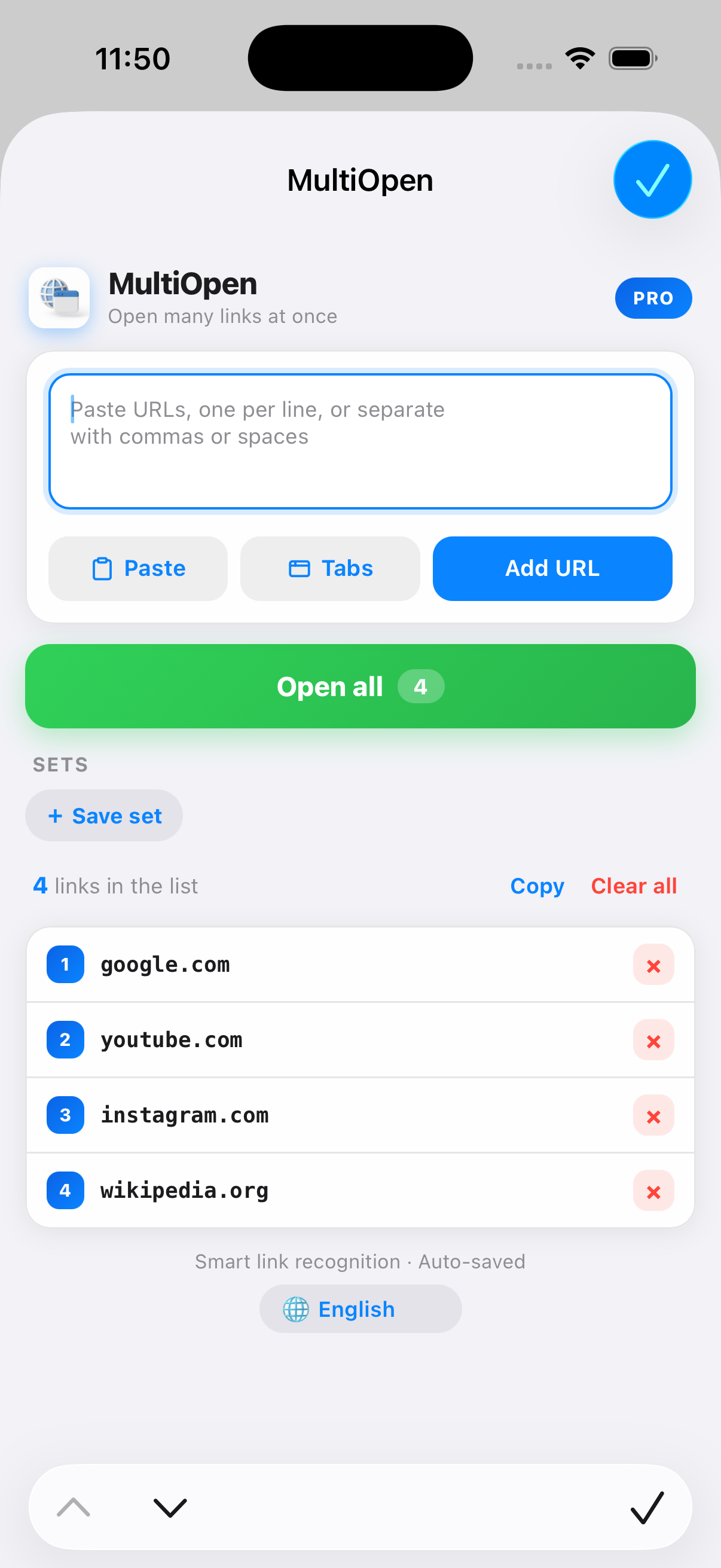
MultiOpen is a Safari extension that opens a whole list of links as tabs in one tap. Paste a list of URLs, tap once, and every link opens as its own Safari tab.
7-day free trial - no account - no tracking
01 / Overview
What is MultiOpen?
MultiOpen is a Safari extension for iPhone, iPad and Mac that opens a whole list of links as browser tabs in one tap.
You paste a list of URLs, or pull the links out of any messy text, and MultiOpen opens them all as Safari tabs at once. It handles 150 or more links using smart batching, so Safari does not freeze, and it can also grab your open tabs back into a single list to save or share. One purchase covers iPhone, iPad and Mac, there is a 7-day free trial, then $0.99 per year or $2.99 for a lifetime licence, and it collects no data.
How the batching works: MultiOpen opens up to about 20 tabs instantly, then loads the rest in timed waves, so Safari can handle 150+ links without freezing.
02 / What it does
Built for lists of links.
The small, honest things you do with a pile of URLs every day, made into one tap.
Open dozens in one tap
Paste a list of URLs and open every one as a Safari tab. MultiOpen opens up to 20 links instantly and batches larger lists in timed waves, so 150 or more open without freezing Safari.
Grab all your open tabs into a list
Capture every tab you have open into a single list you can save or share. Good for handing off research or keeping a session for later.
Saved link sets for daily routines
Save named sets of links you open every day and reopen the whole set in one tap. Your current list also auto-saves between sessions.
Smart paste finds links in any text
Paste messy text and MultiOpen pulls out the links for you. No formatting, no cleanup, just the URLs, ready to open.
03 / Use cases
Who it is for.
If you regularly have a pile of links you want open at the same time, MultiOpen is built for that moment.
04 / Setup
Three steps, a few taps.
MultiOpen is a Safari extension, so you enable it once in settings. After that it lives in the Safari toolbar.
Enable the extension
Open Safari settings and turn on MultiOpen. This is a one-time step Safari asks for.
Paste or grab your links
Paste a list of URLs, pull links out of any text, or grab your open tabs into a list.
Tap Open All
Every link opens as its own tab. Large lists open in timed waves so Safari stays smooth.
Honest note: Safari requires you to enable extensions in settings yourself. MultiOpen shows the exact steps for your device on first launch.
05 / Everywhere
The same on every device.
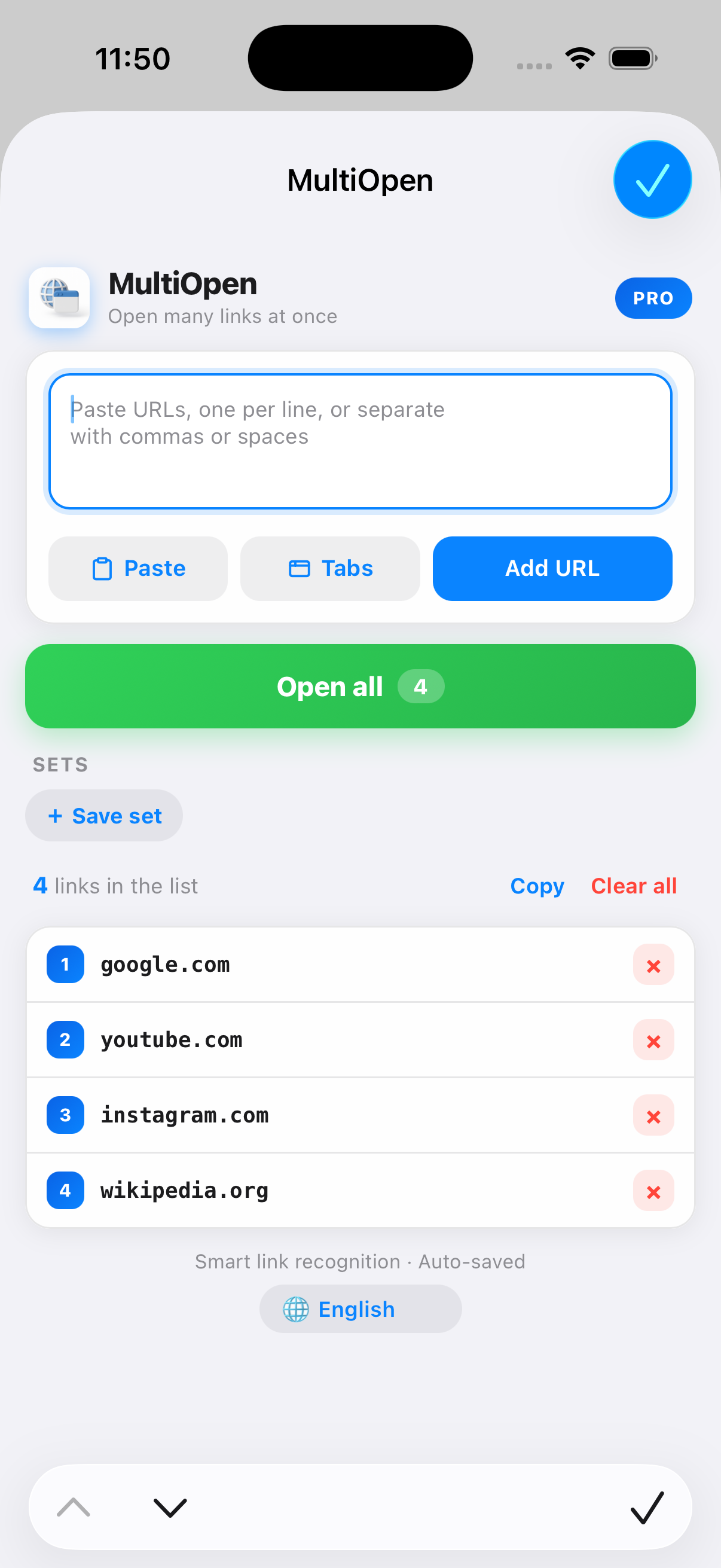
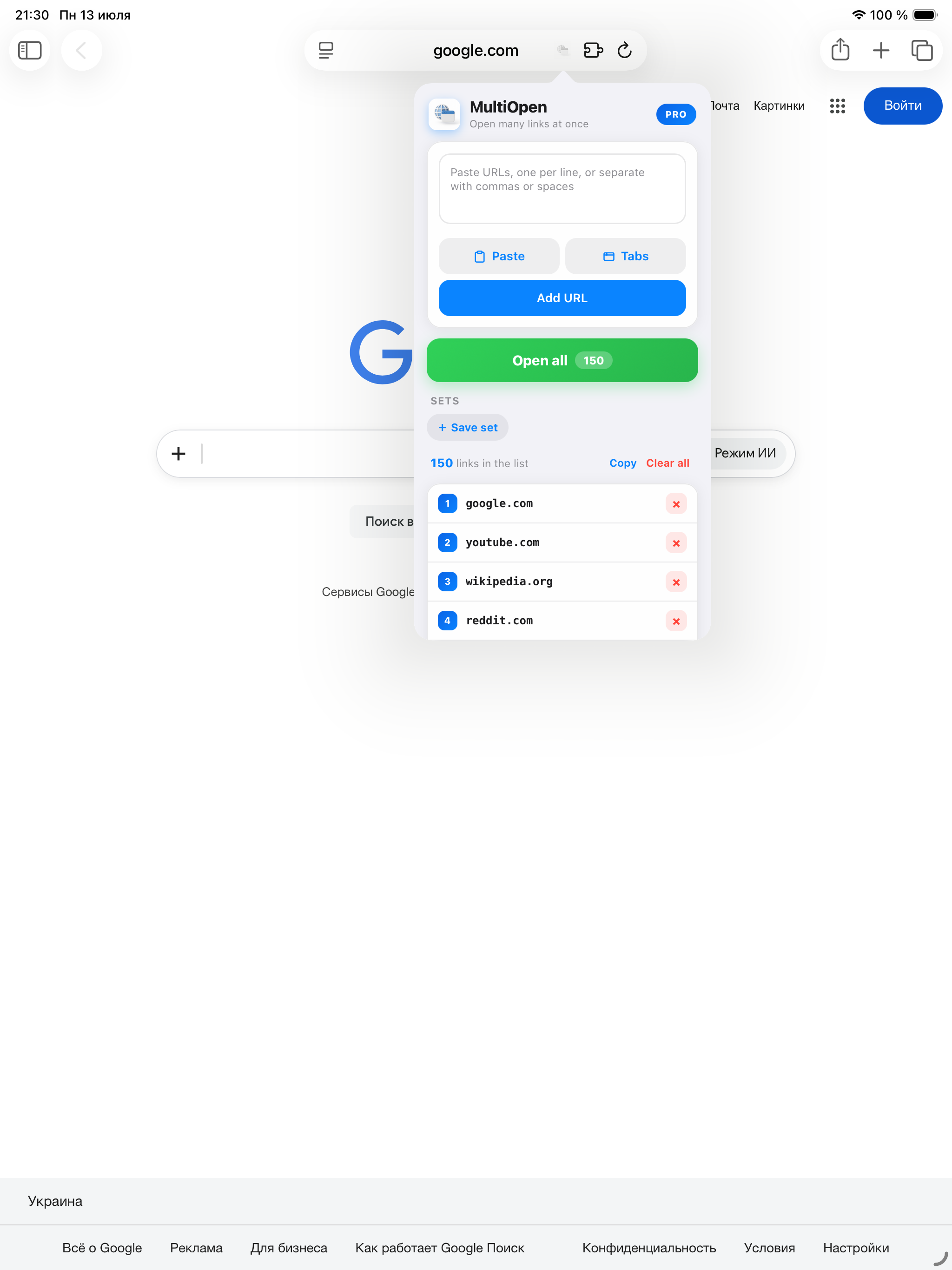
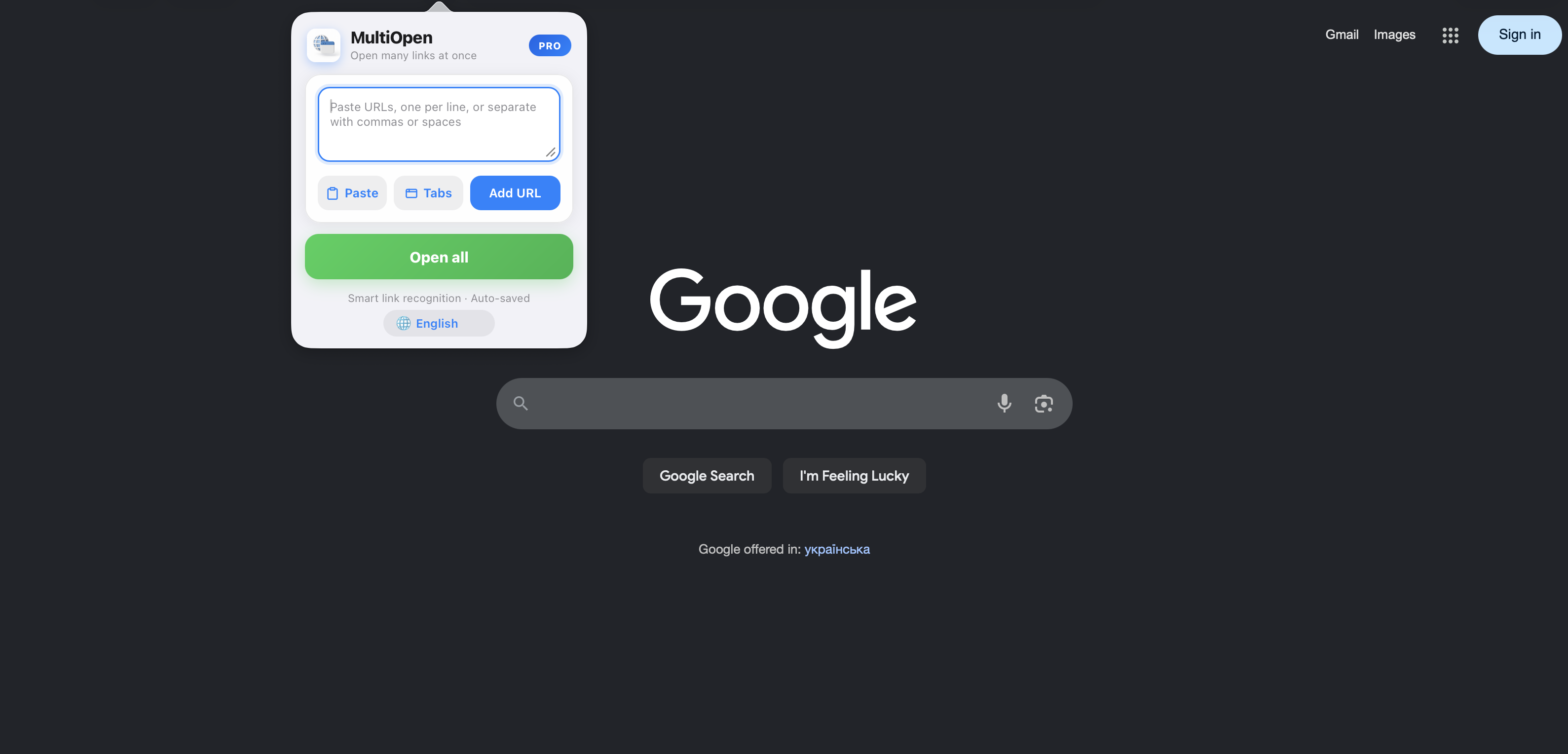
One Universal Purchase covers iPhone, iPad and Mac. Buy it once, use it everywhere.
06 / Compare
How it compares.
Honest differences between MultiOpen and the other ways to open a batch of links in Safari.
| MultiOpen | Tapping links one by one | Safari bookmark folder | Web-based bulk opener | |
|---|---|---|---|---|
| Open a pasted list in one action | Yes, one tap | No, tap each | Only if bookmarked first | Yes, on a third-party page |
| Extract links from messy text | Yes, smart paste | No | No | Sometimes |
| Open 150+ links with timed batching | Yes | Manual | Opens all at once, no batching | Varies, may cap the list |
| Grab open tabs back into a list | Yes | No | No | No |
| Save named reusable sets | Yes | No | Yes | No |
| Stays on device, no third-party site | Yes | Yes | Yes | No |
Bookmark folders are great for a fixed set you curate over time. MultiOpen is built for pasting a list you already have and opening it immediately. Web-based openers work in a pinch, but MultiOpen runs on device as a Safari extension, collects no data, and its batching is tuned so Safari stays responsive on long lists.
07 / Pricing
Try it free, then keep it.
Every feature is free for 7 days. After that, pick whichever fits you. Both unlock everything on all your devices.
08 / At a glance
At a glance.
- Platforms
- iPhone, iPad, Mac (Safari Web Extension)
- Purchase
- One Universal Purchase covers all three
- Price
- 7-day free trial, then $0.99 / year or $2.99 lifetime
- Privacy
- Data Not Collected, no account, no tracking, on device
- Languages
- 12
- Developer
- David Hruts
- App Store
- apps.apple.com/app/id6753165945
- Version
- 2.0.3
Collects nothing.
There is no account to make and nothing to track. Your links never leave your device. Its App Store privacy label is Data Not Collected.
09 / FAQ